
Step-by-step guide for configuring a Liv Lite Stand-Alone group in Solo 2, including BPG setup, plan design, network connection, and rule inheritance for accurate claims processing.
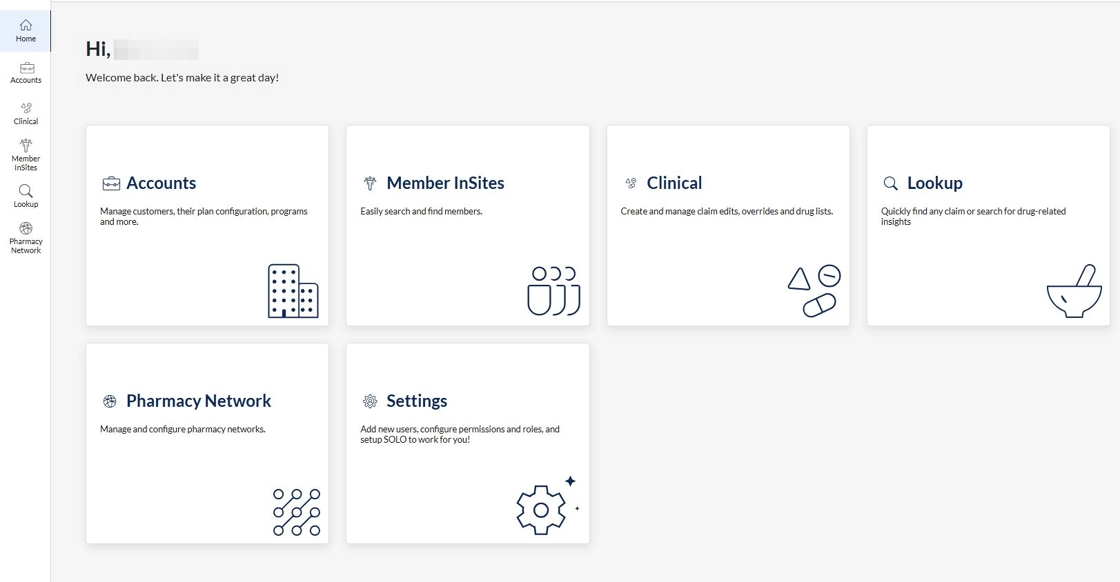
1. Navigate to app.solorx.com and go to the Accounts module by clicking the Accounts tile or side navigation icon.
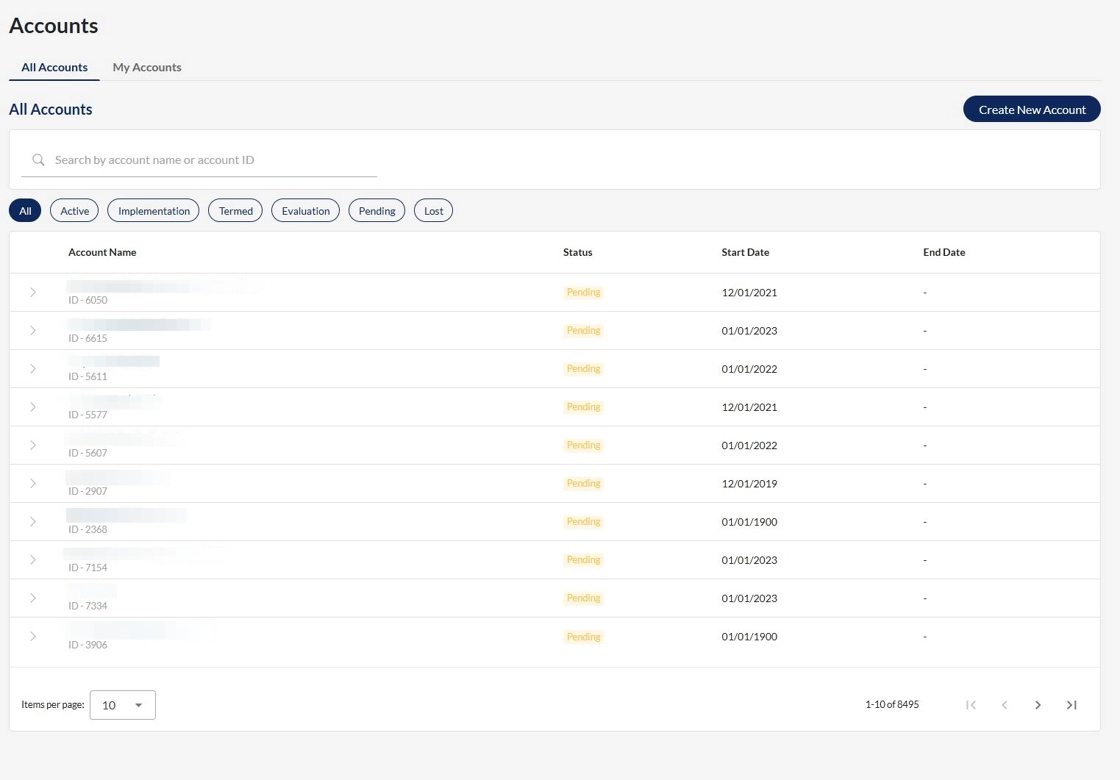
2. Select an account by using the search box to find and open an account.
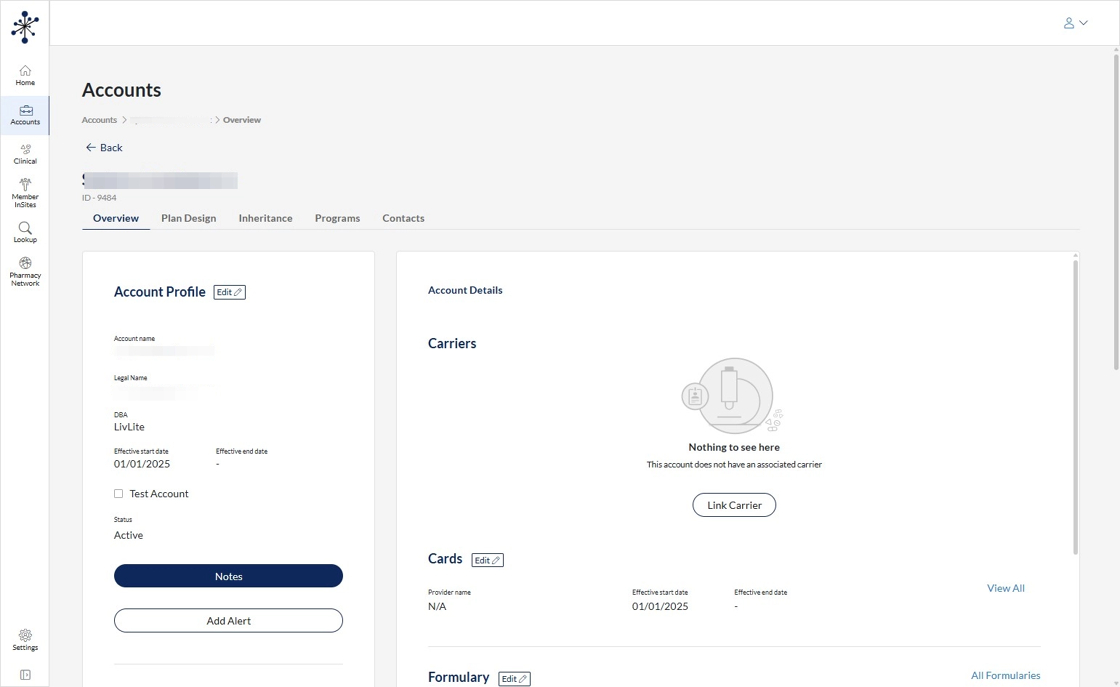
3. Open the account, landing on the overview page.
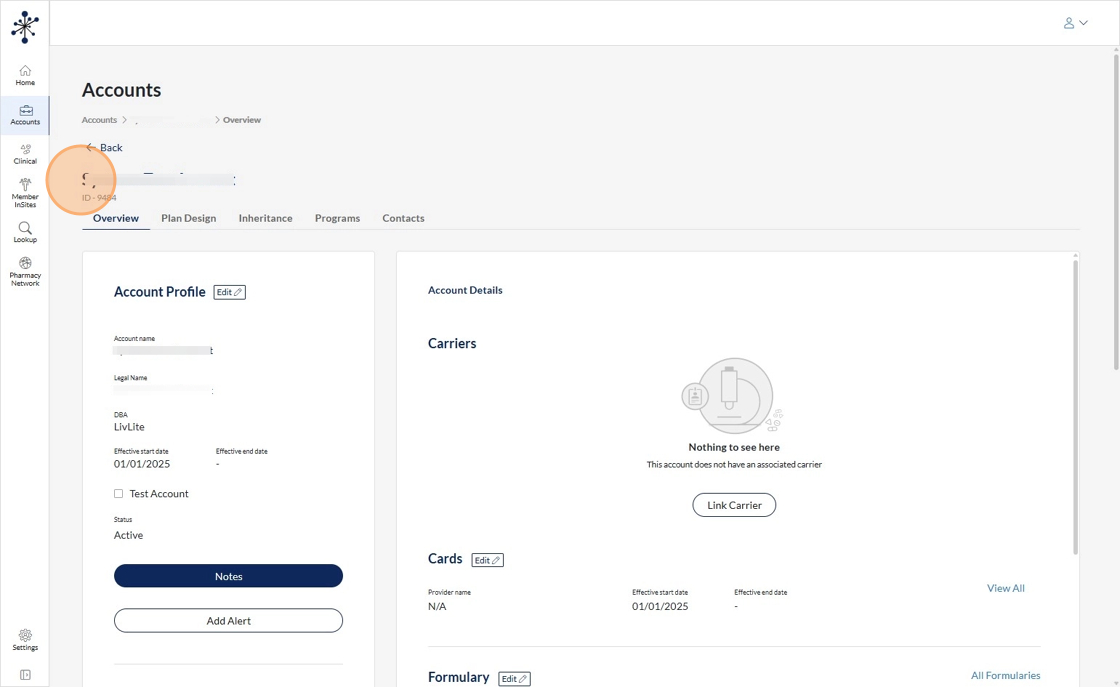
4. This is going to be the SOP for LivLite Stand Alone
5. The standalone group is going to go through Salesforce and then populate into Solo 2. This will pull in the client name, formulary, network, BPG, and any other information input during Implementation.
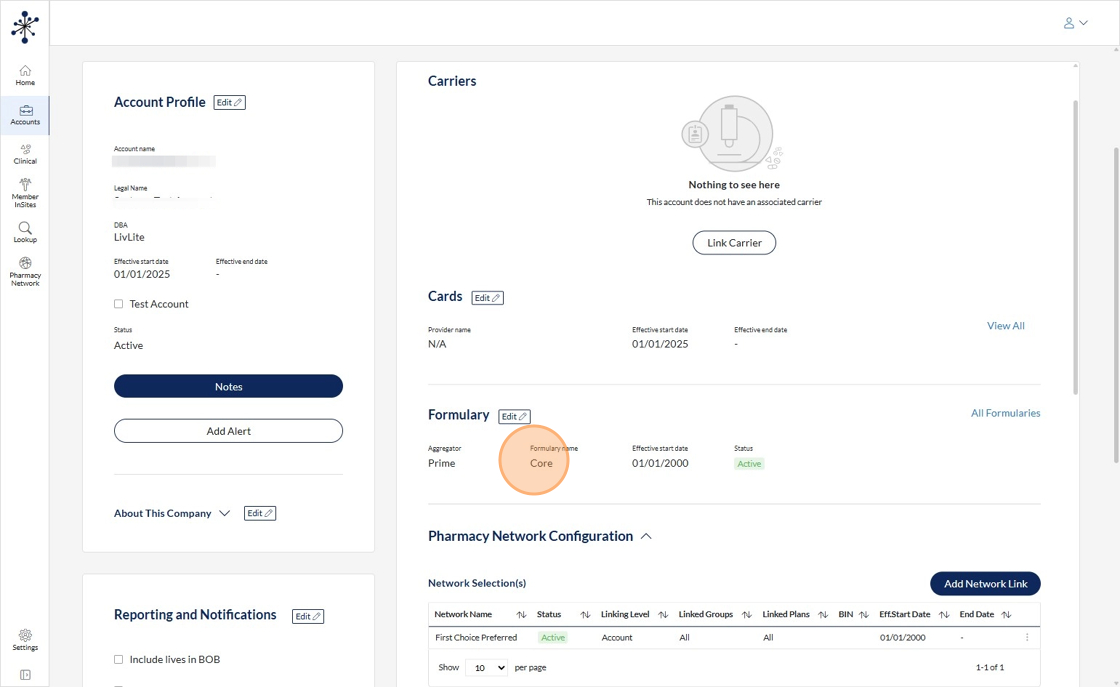
6. For the network, the pharmacy network team would come in and connect whatever network is missing or double check the network applied.
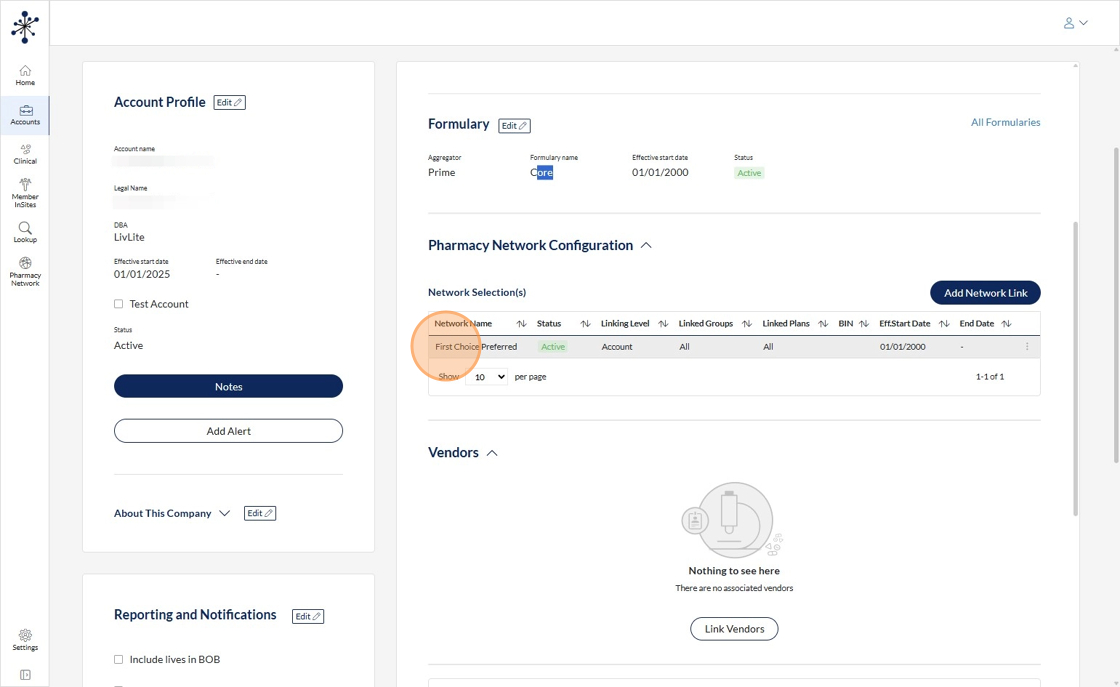
7. The BPG will pull from the Member Portal.
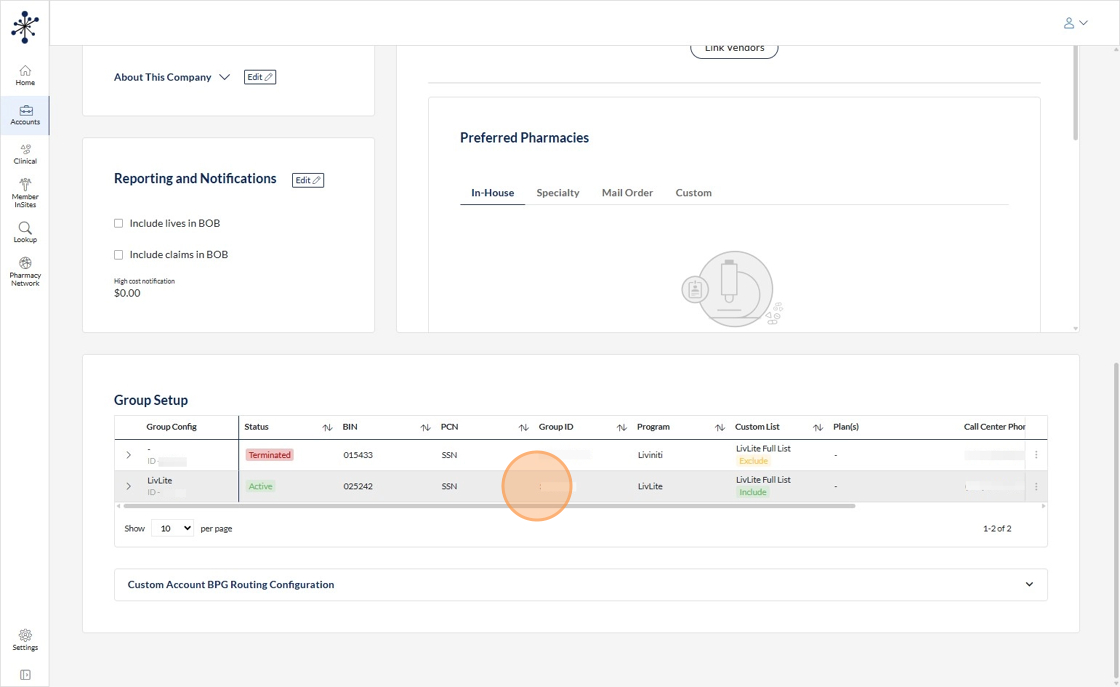
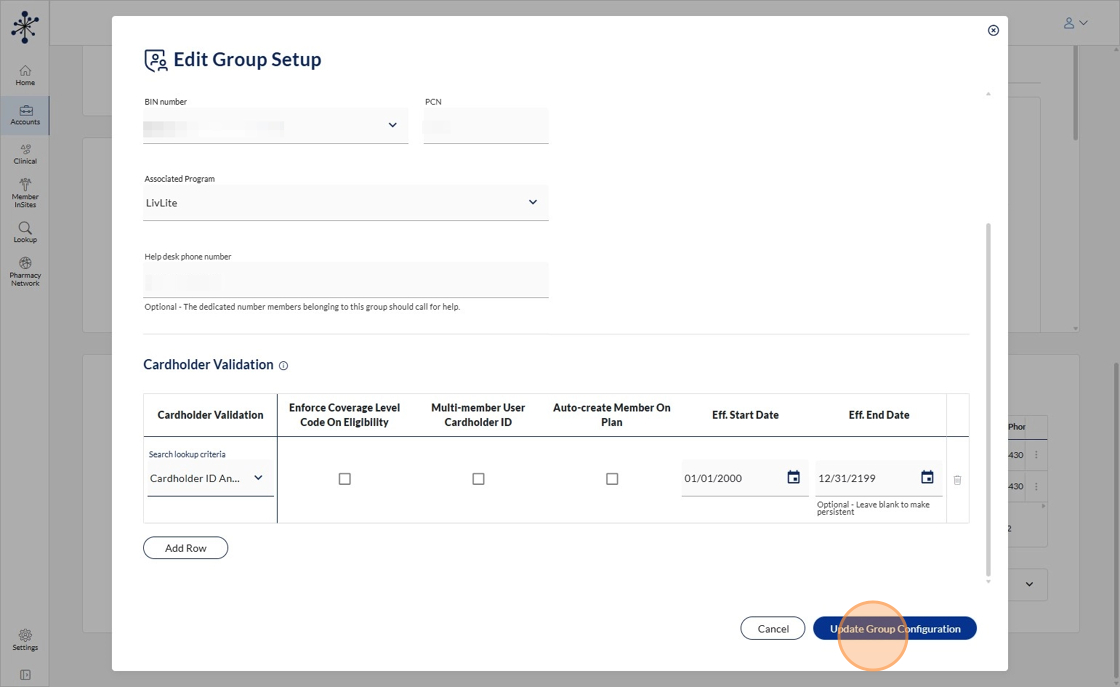
8. You must add the "LivLite" program to the BPG. Click on the 3 dots to the right, and click "Edit"
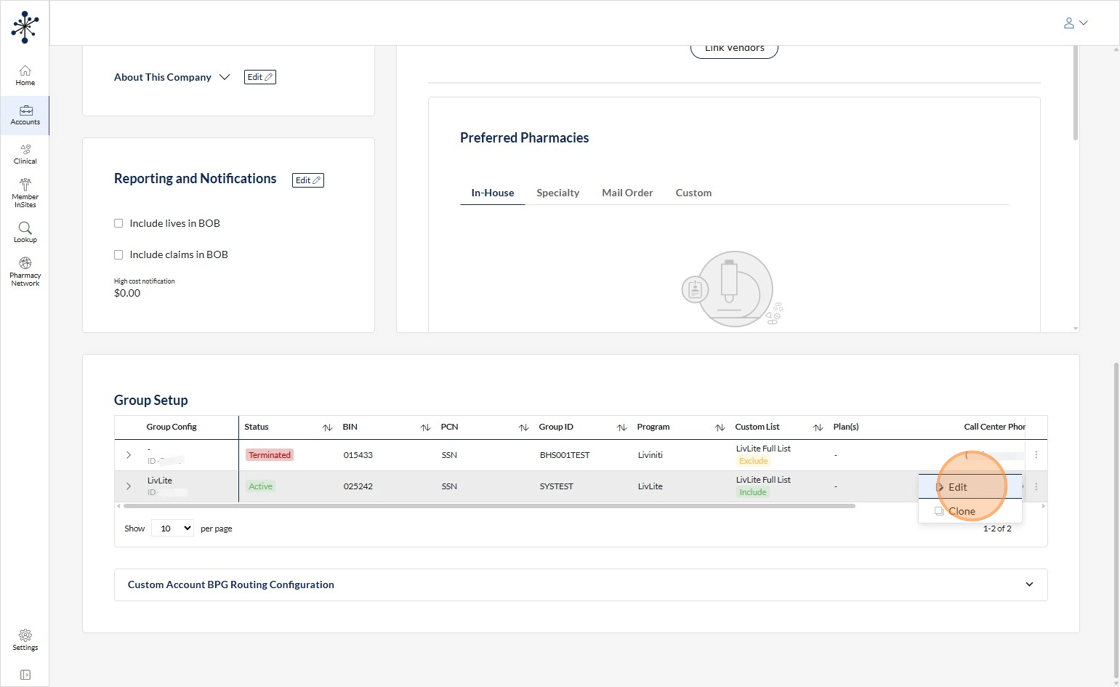
9. This screen will have your Group Name, Group ID, Start and End dates, Bin, PCN, ect.
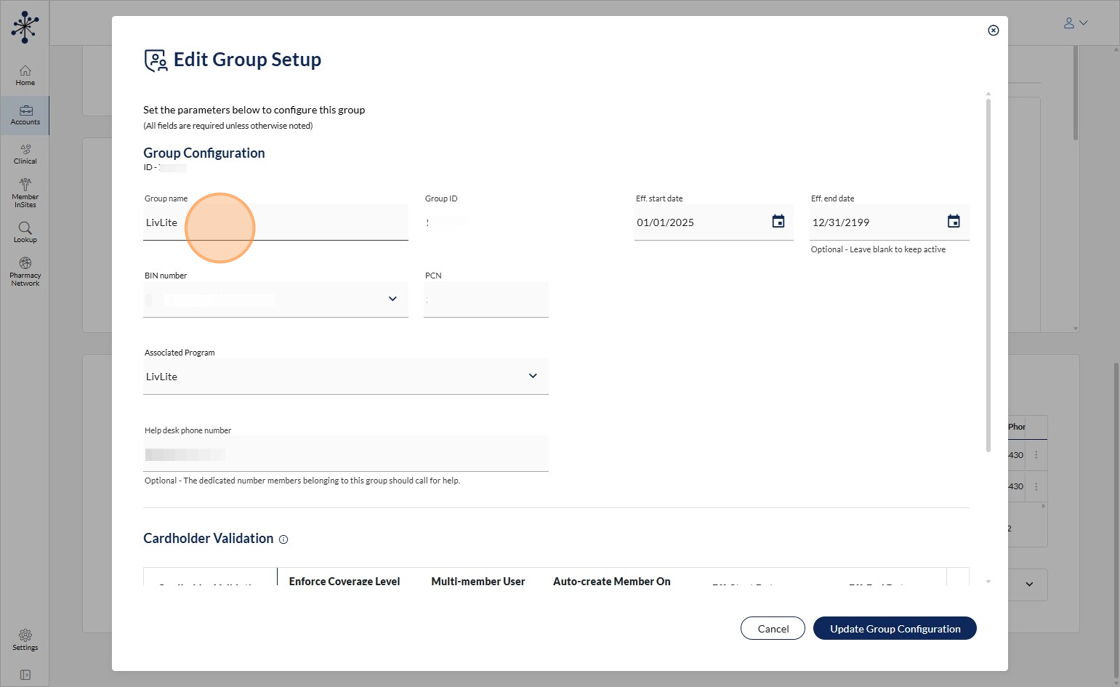
10. Click here to attach the LivLite program to the BPG.
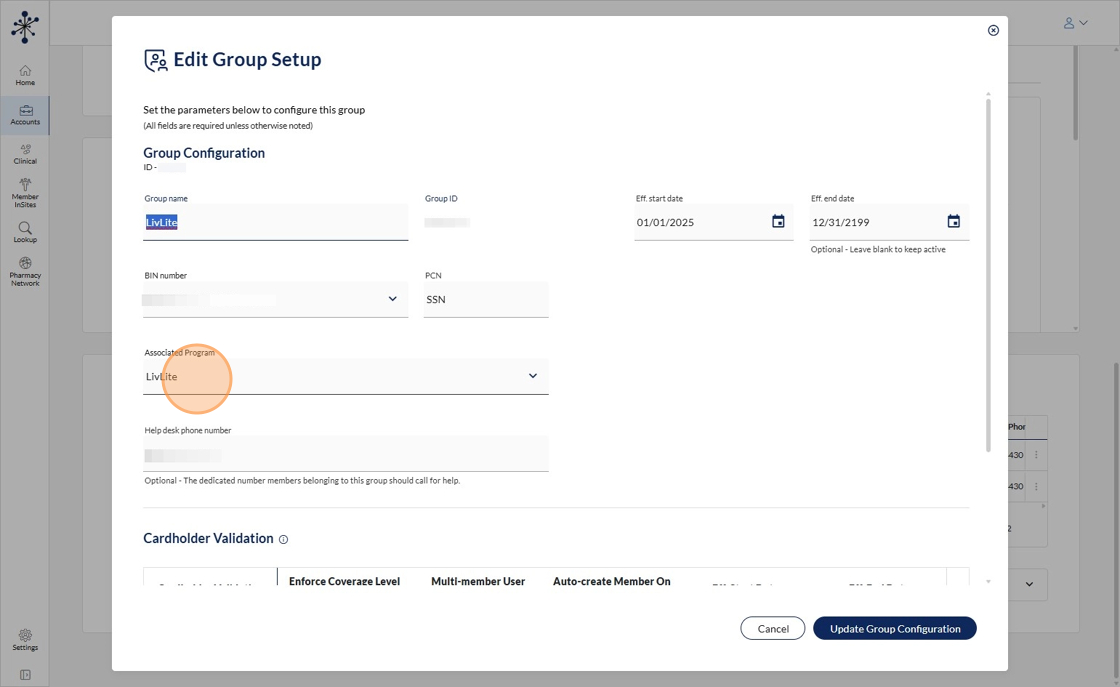
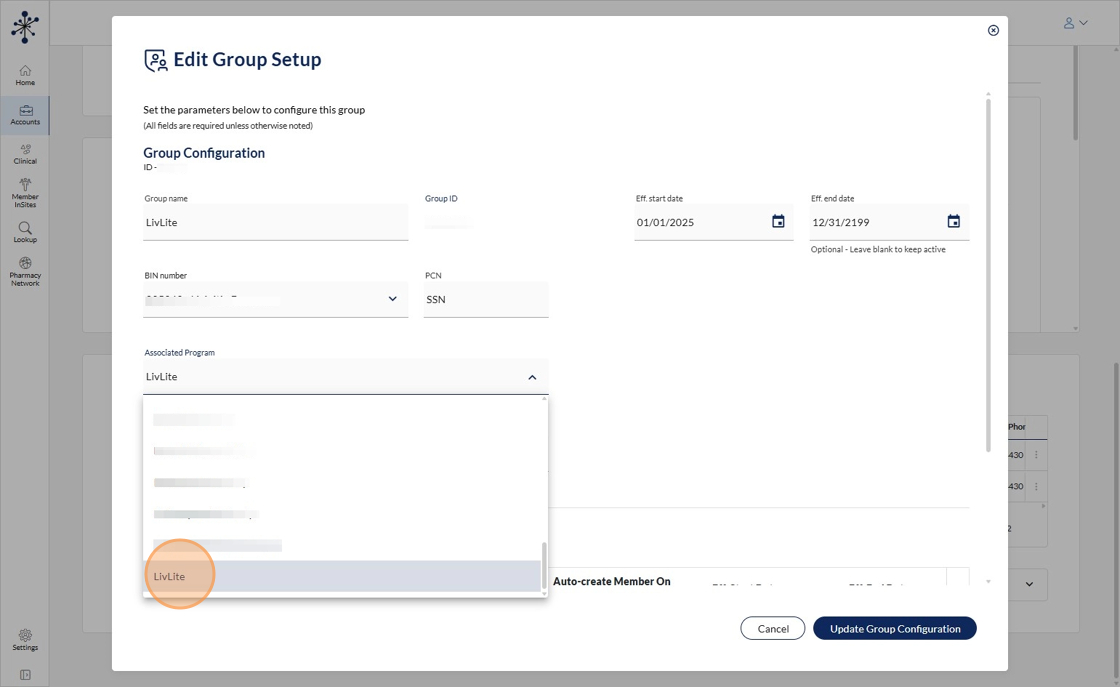
11. Click "LivLite"
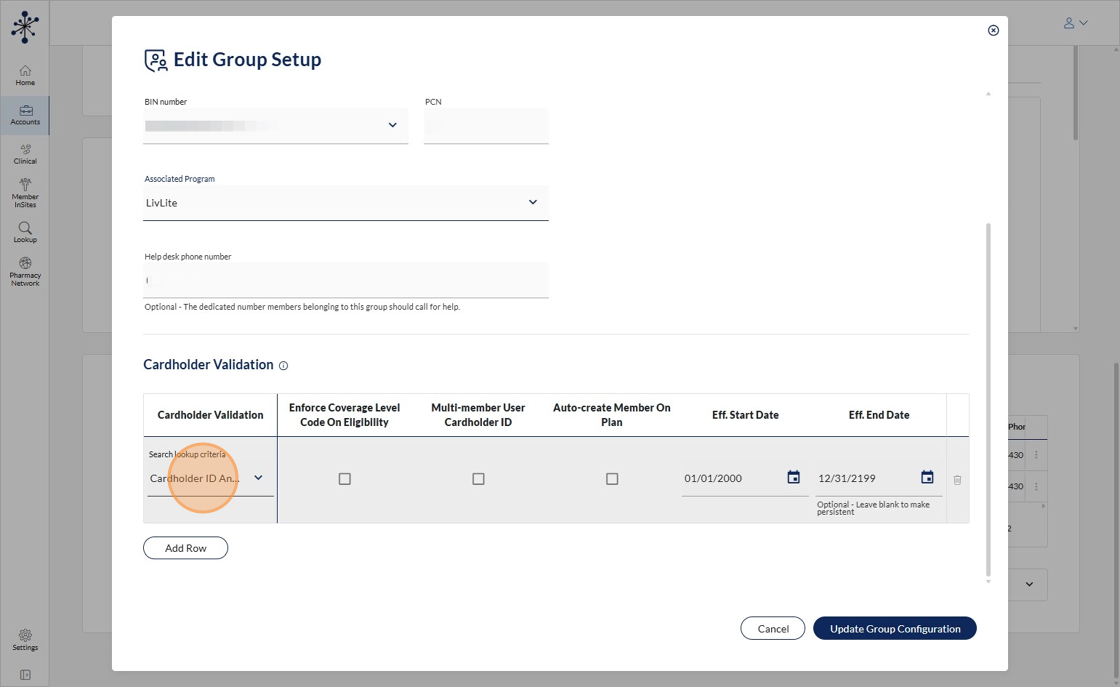
12. Then you'll set up your cardholder validation of card holder id and person code and then whatever date that the group is going live and then click update group information.
13.
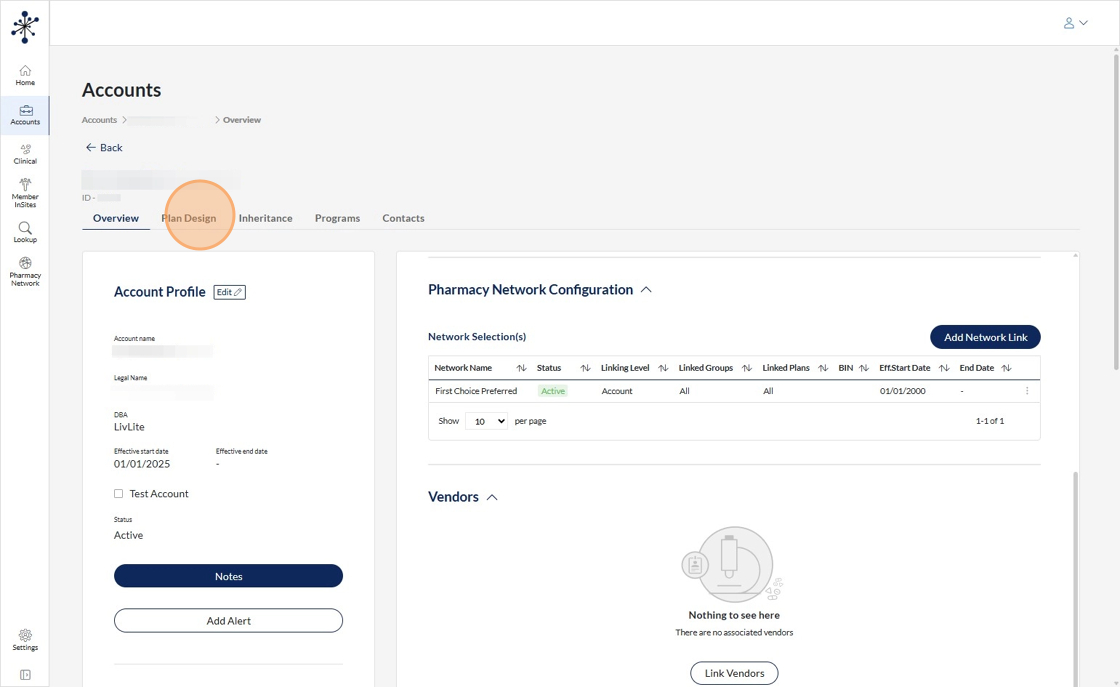
14. From there, you're going to go into your plan design.
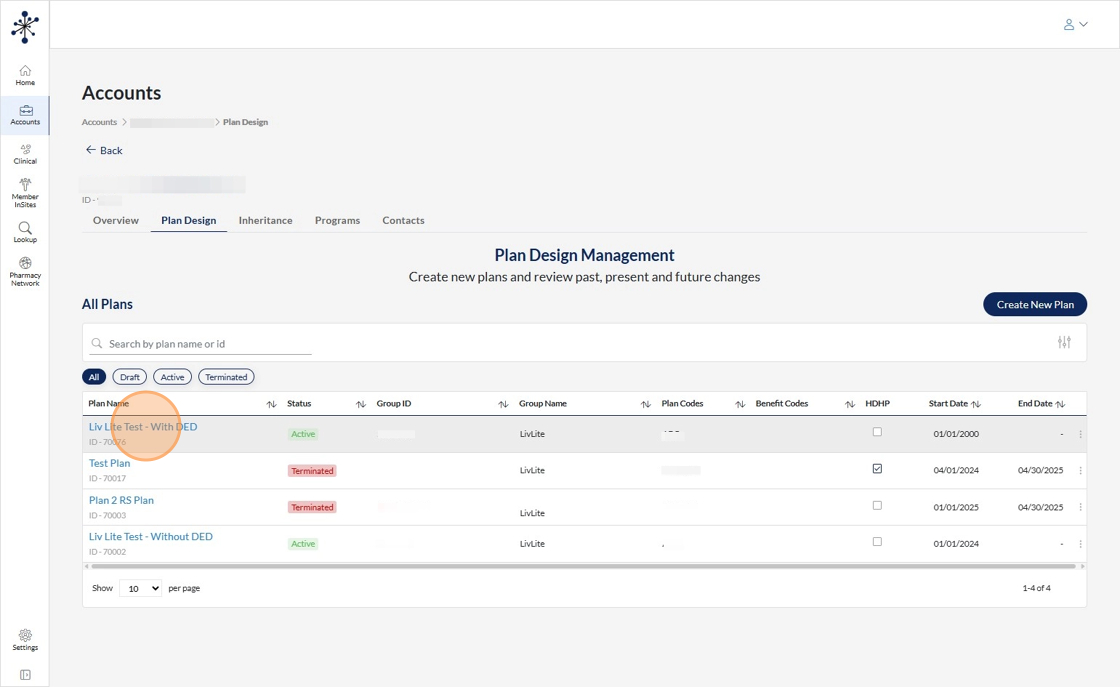
15. In this example i've built out the option to test LivLite plans with deductible or without.
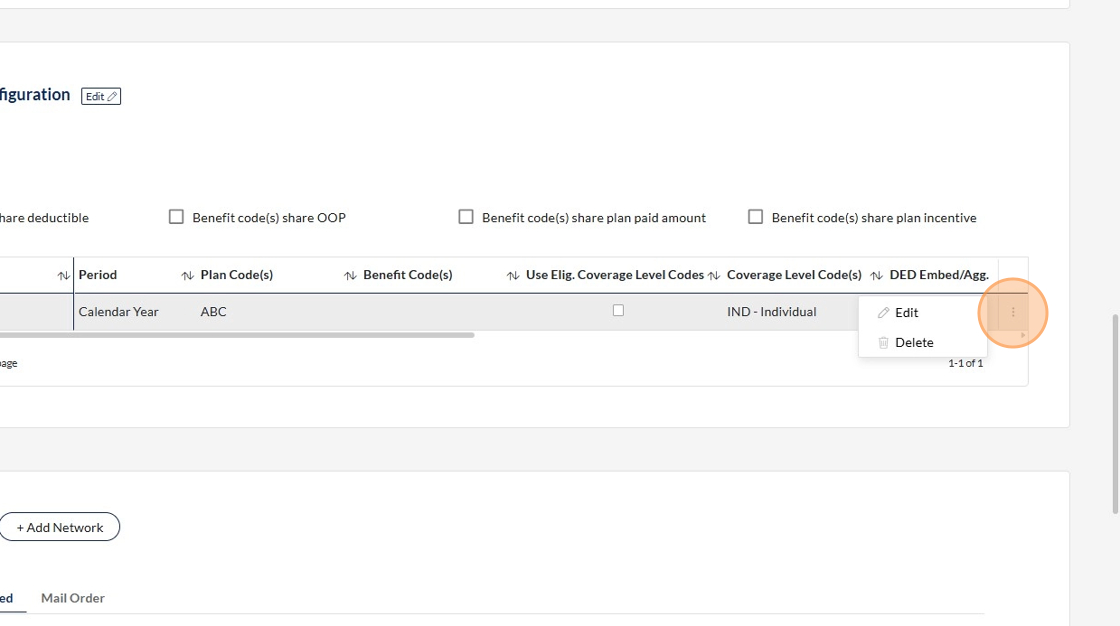
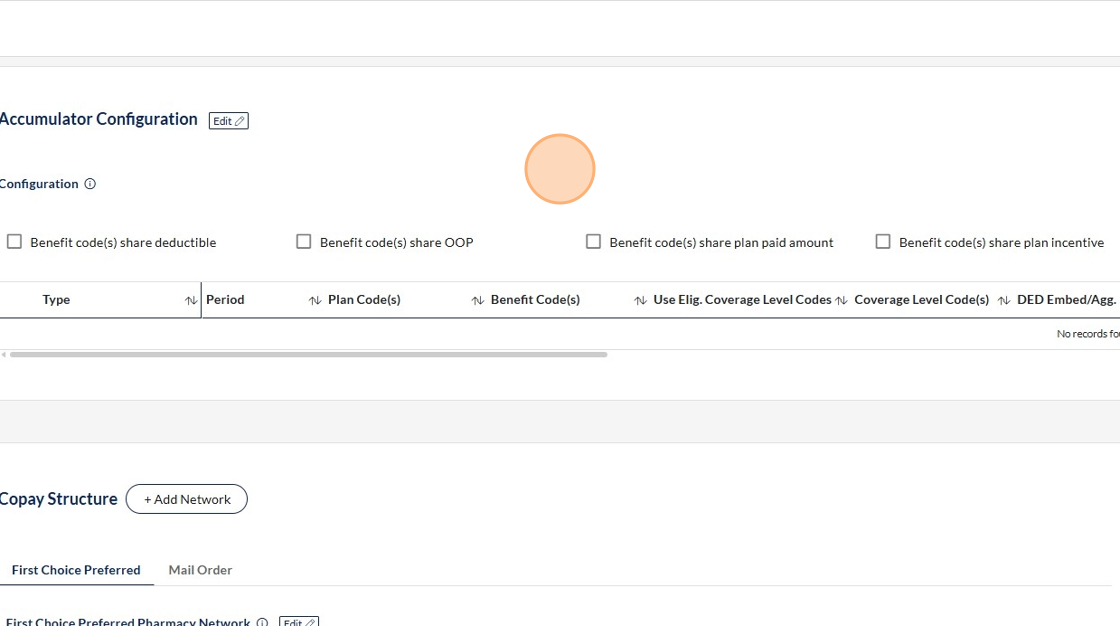
16. If the plan were to have a Deductible accumulator, you can edit it here by clicking three dots. This accumulator should pull over during the implementation process when entered into the portal.
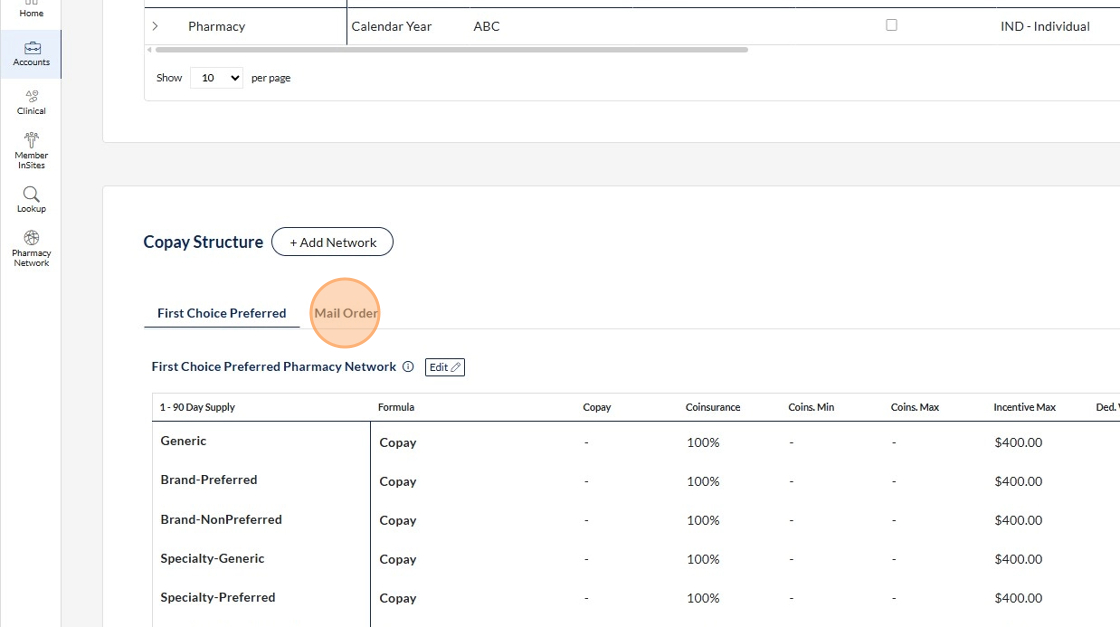
17. And then. It's going to be. 100% coinsurance except for the $400 incentive max. Per claim. I set them for all just because I didn't know what tier these drugs would fall into. I went ahead and filled out the Mail Order copay tables as well, but the Mail Order Network must be added to the Pharmacy Network screen to ensure claims processing.
18. Click "Liv Lite Test - Without DED ID - 70002"
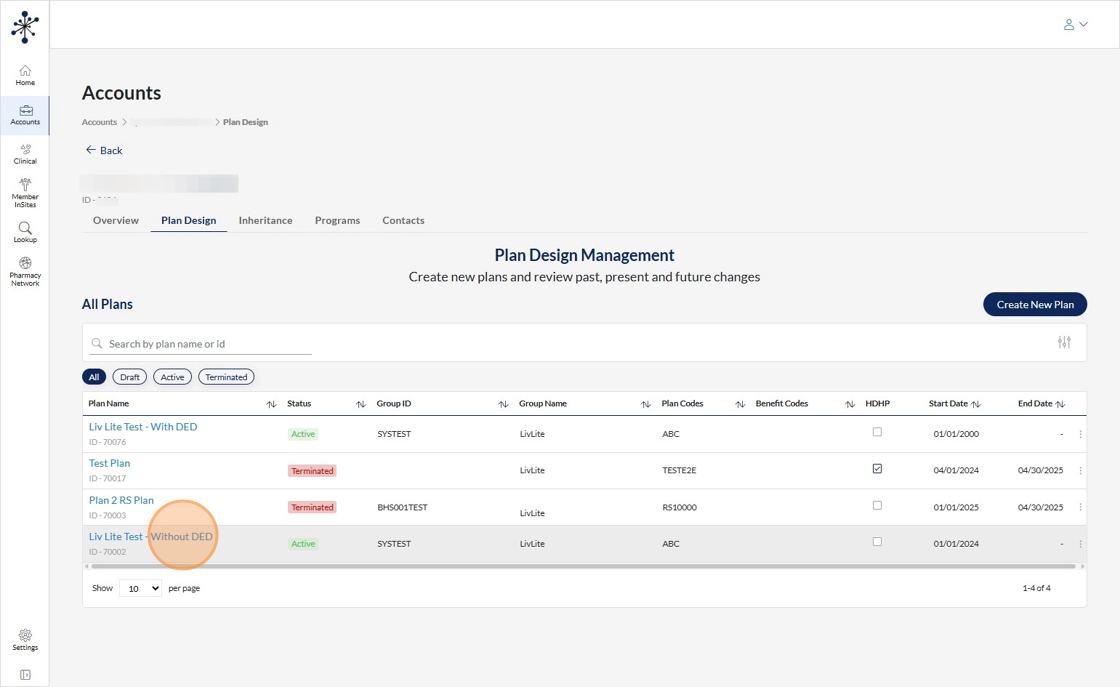
19. The plan without deductible is the same setup. With the same plan codes, the same BPG. There's just no accumulator configuration.
20. Click "Inheritance"
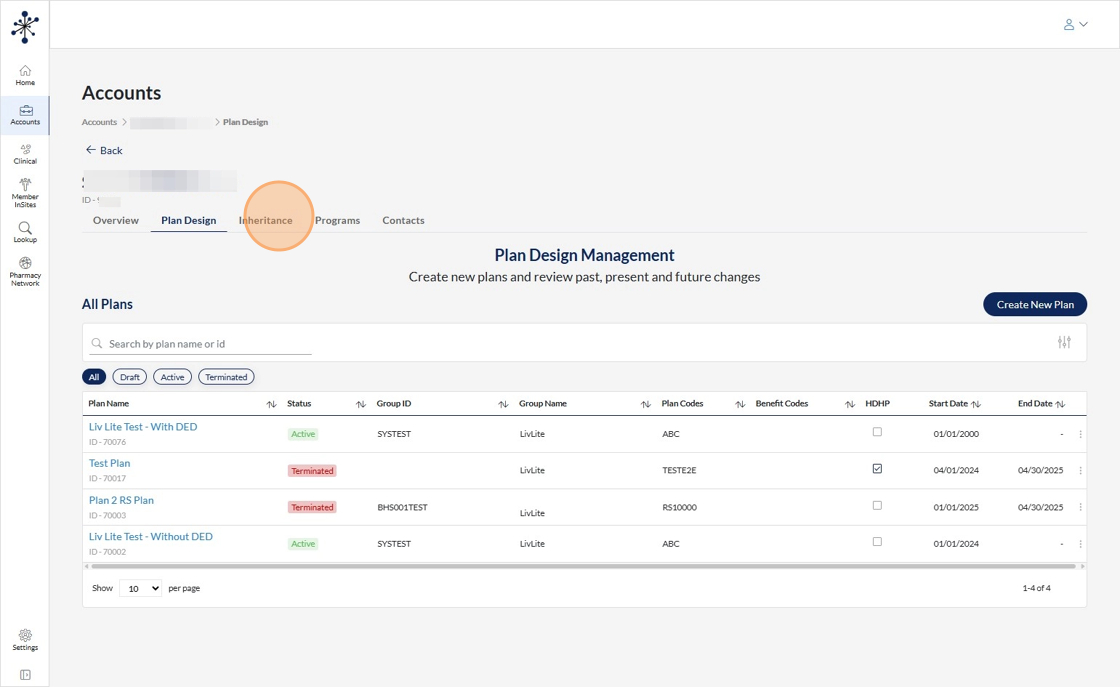
21. You're going to go to your group, to your liv lite group.
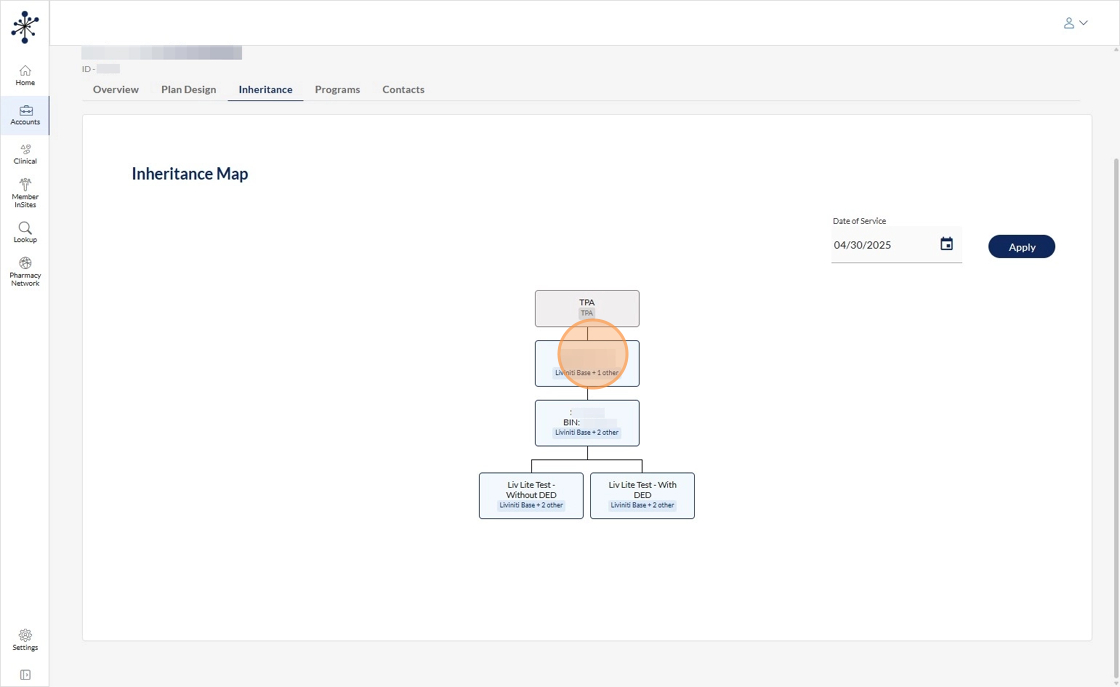
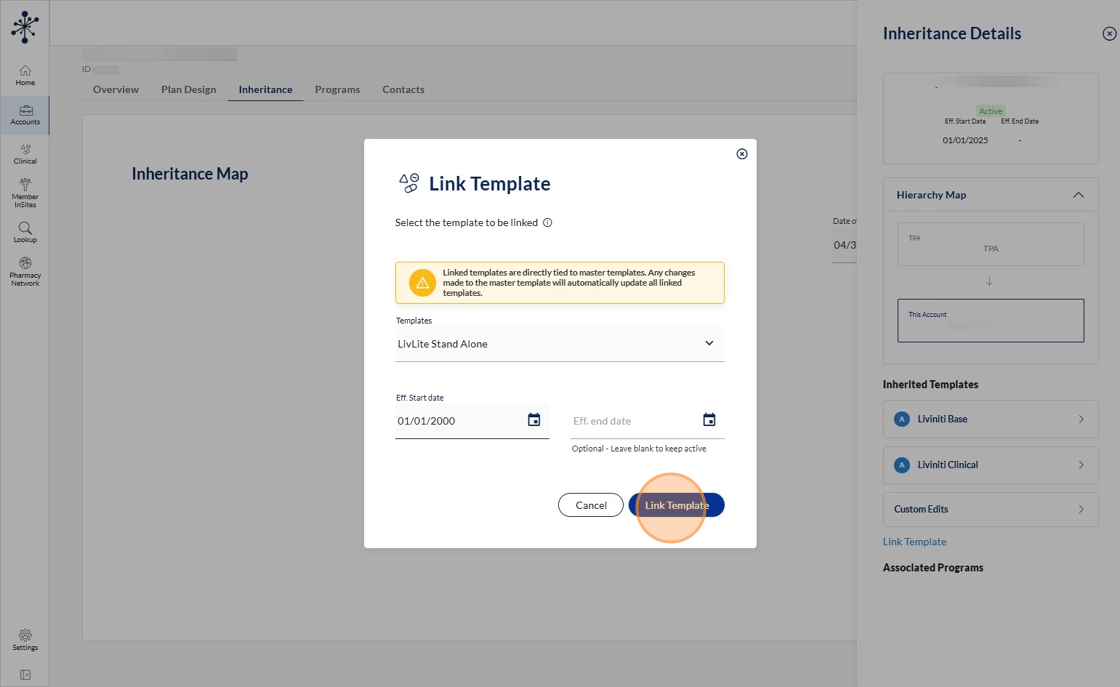
22. Click link template.
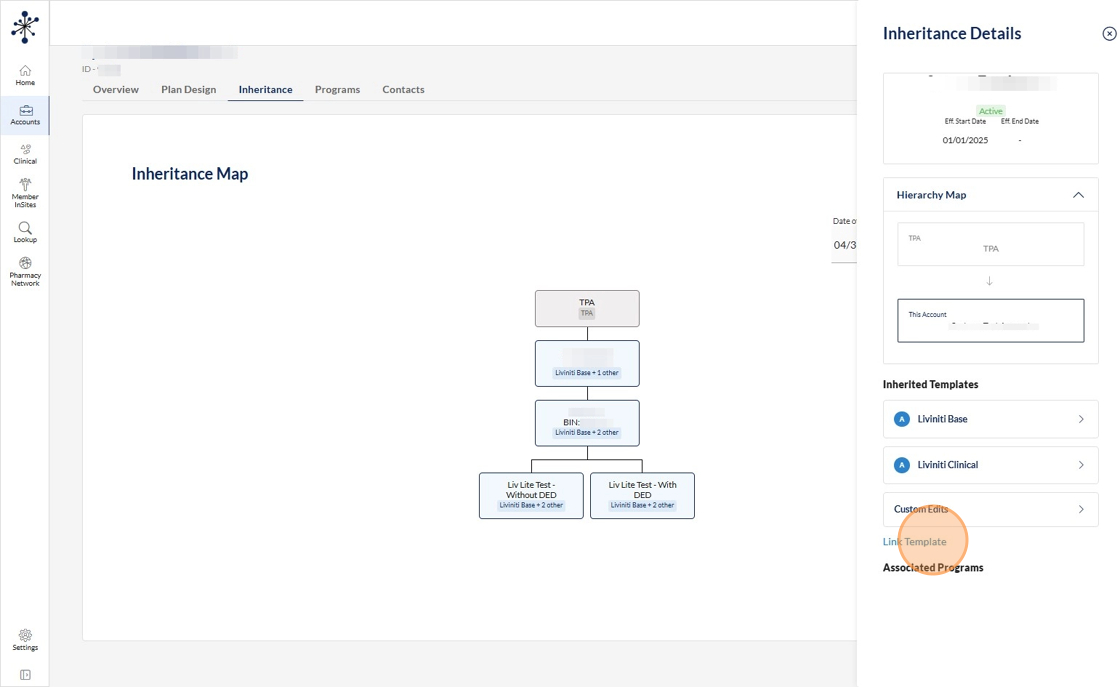
23. Click Here and type in LivLite
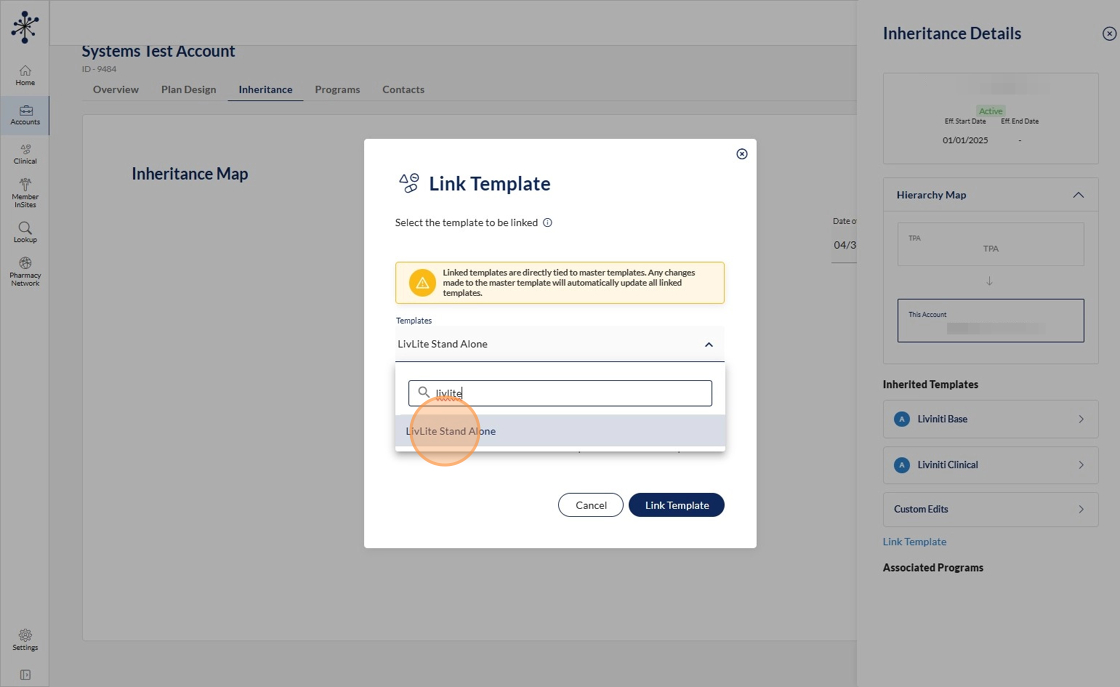
24. And pick your start date.
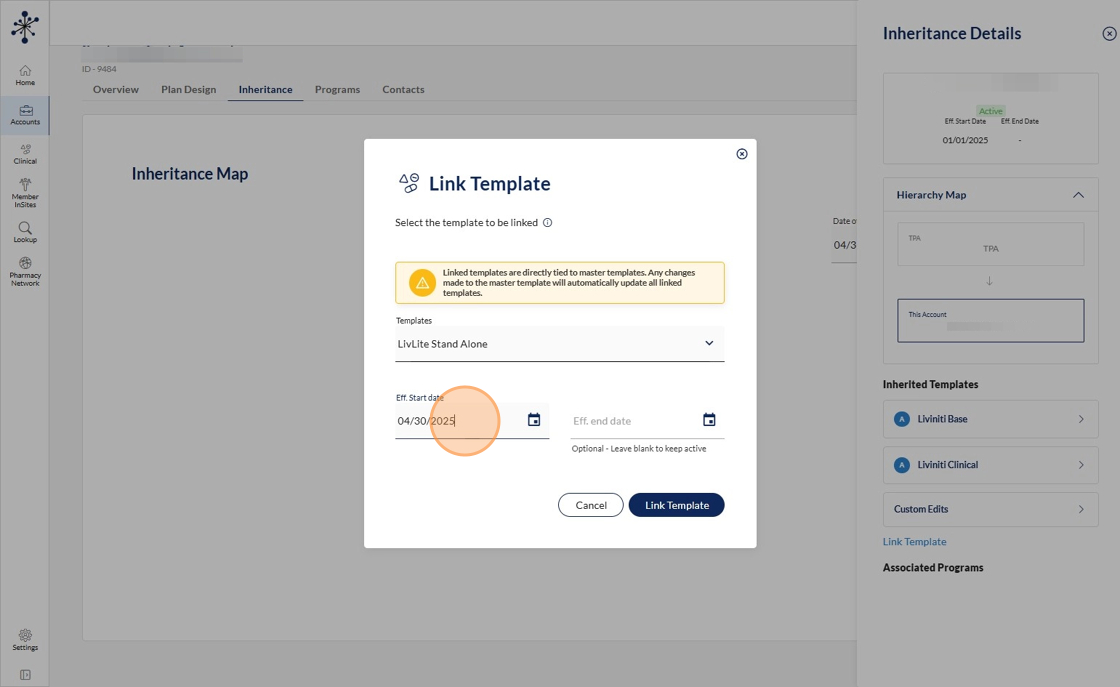
25. Click "Link Template"
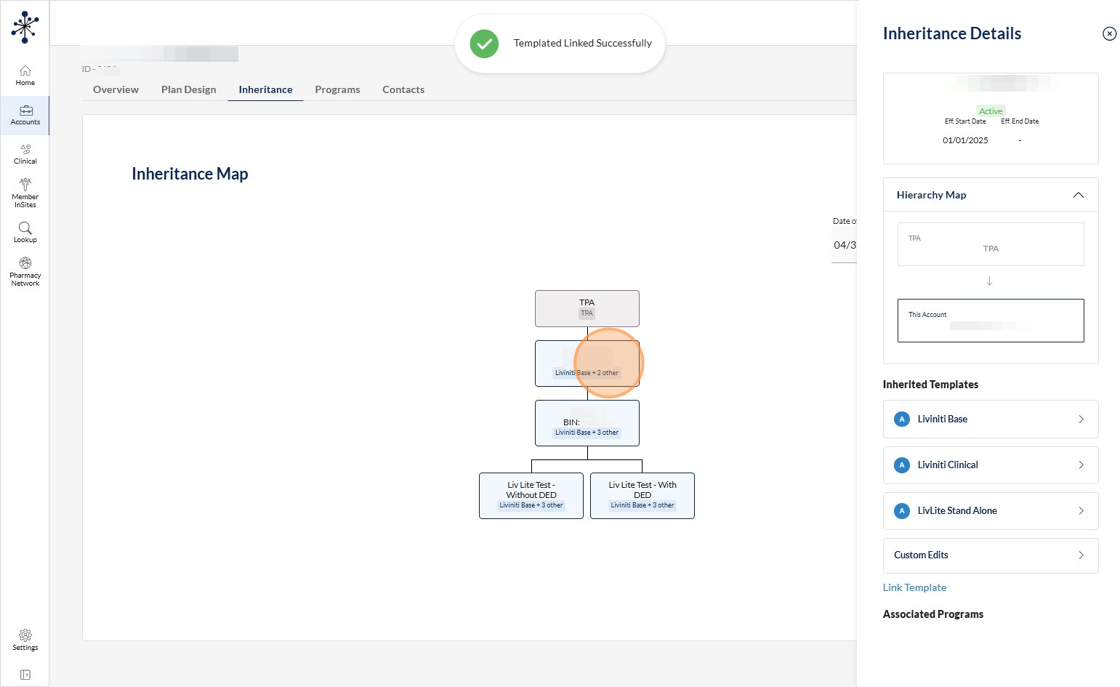
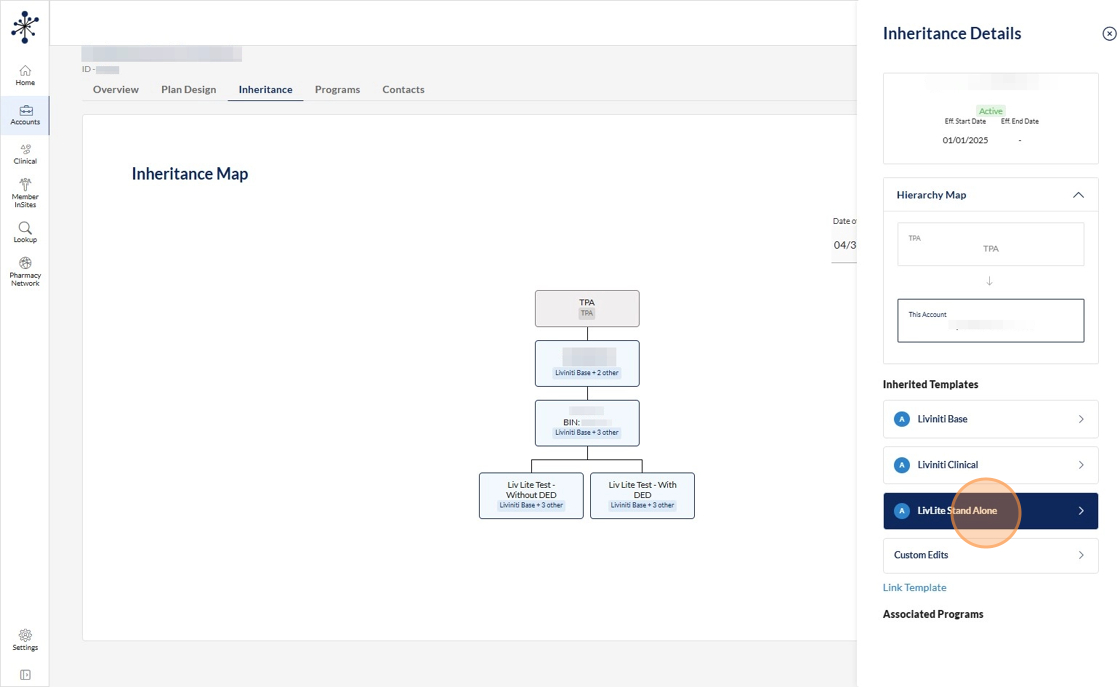
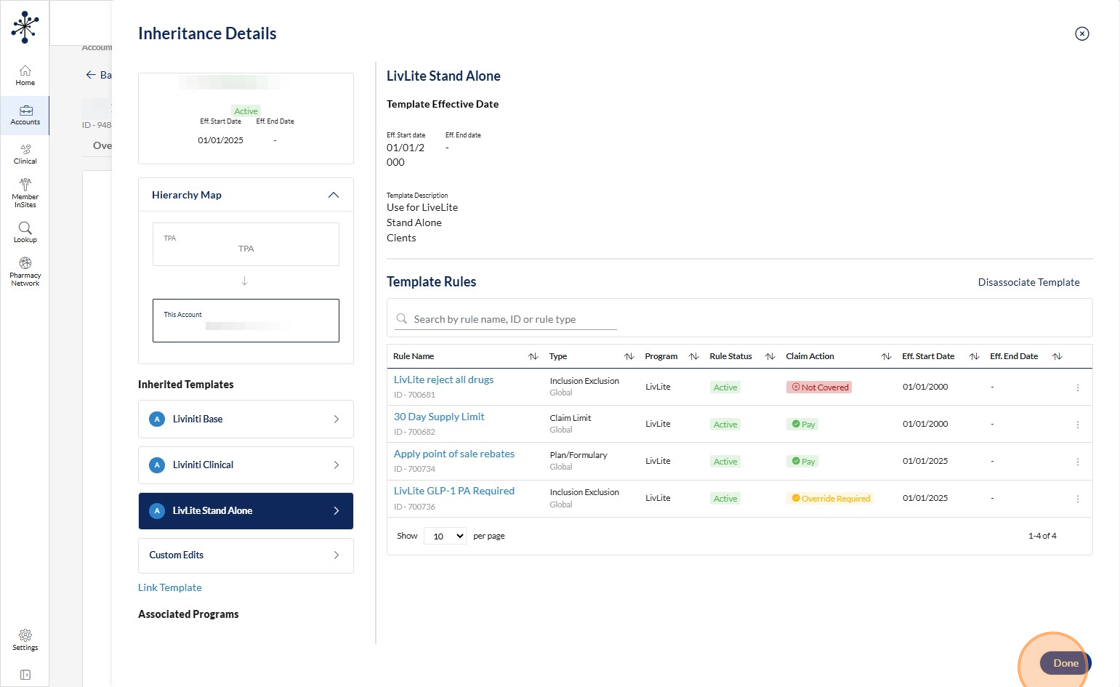
26. Now looking at our LivLite group, we have the Livinit Base, Clinical, and LivLite rules all applying.
27. Going into the LivLite template
28. We have a rule to reject all drugs that hit this plan, and an override rule attached to only allow the LivLite drug list the client is choosing to cover.
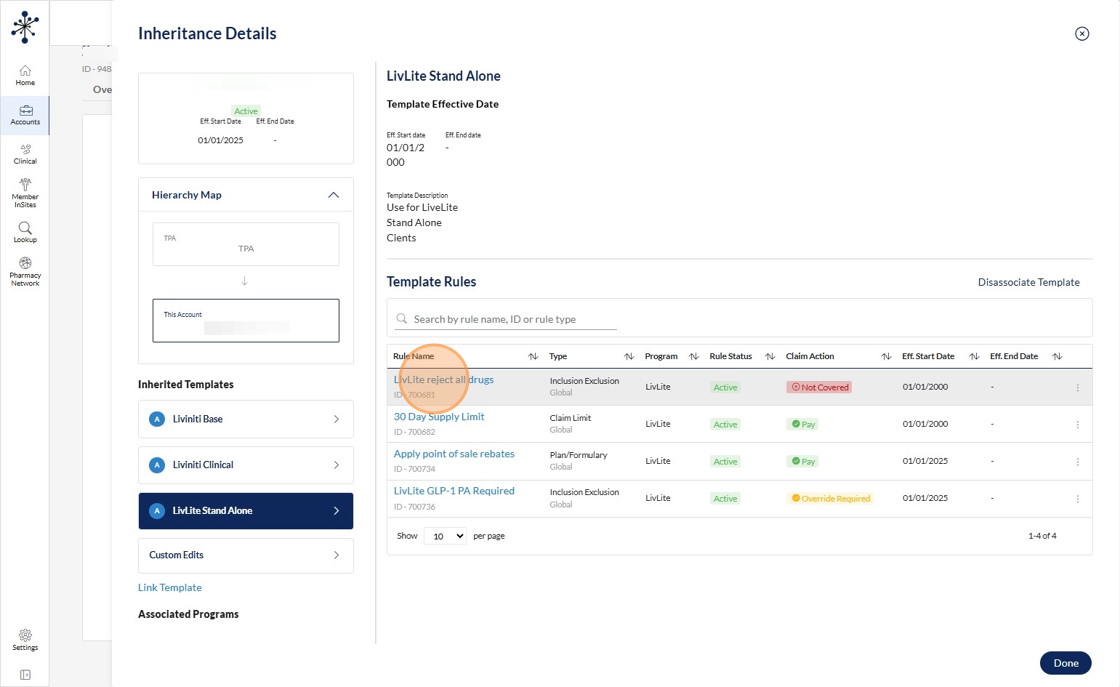
29. We also have the 30 day supply limit. The point of sales rebates pricing rule. The PA requirement for the live light drug list. Notice that the LivLite program applies to all of these rules? So when the claim comes through, it gets flagged as a "LivLite" claim these specific rules will apply.
30. Click here.
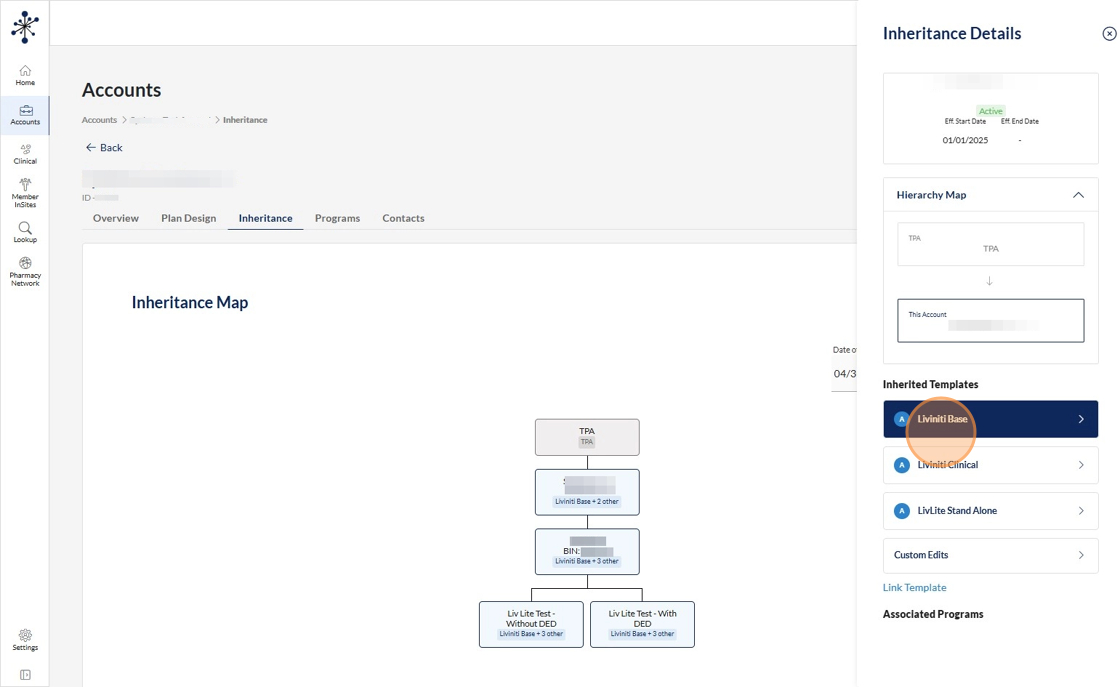
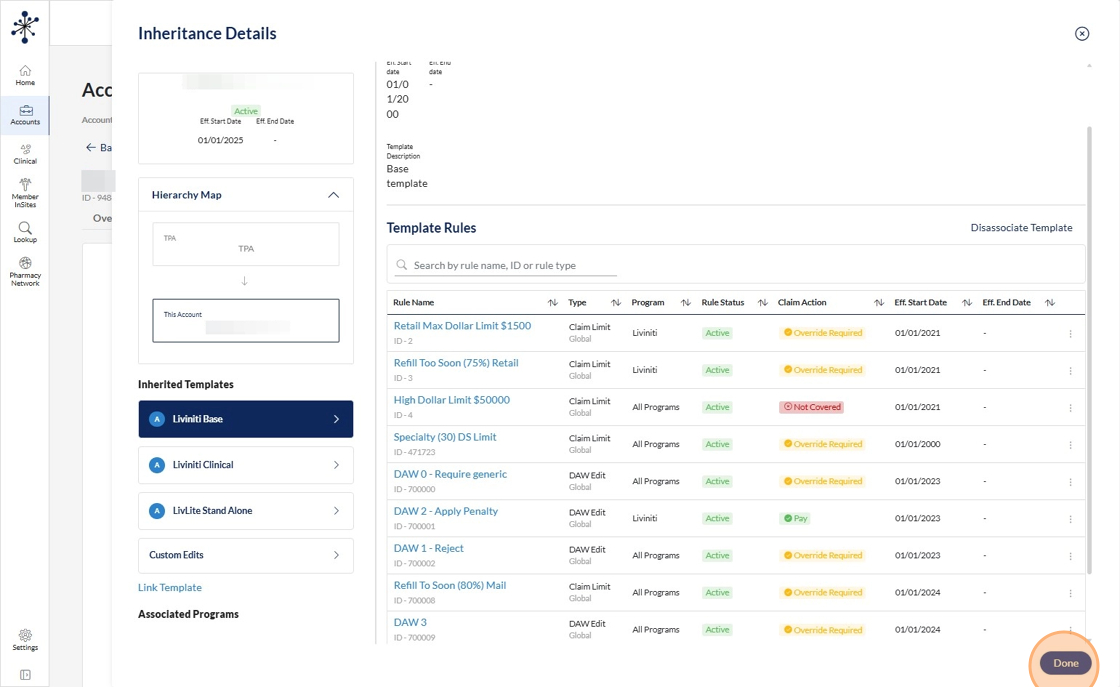
31. The other templates. Anything that says "all programs" will also apply to any LivLite claim. Any rule that does not say "all programs" will not apply to these LivLite claims.
Made with Scribe